
Don’t invest unless you’re prepared to lose all the money you invest. This is a high-risk investment and you should not expect to be protected if something goes wrong. Take 2 mins to learn more.
“Educational Notice: This article is provided purely for informational and educational purposes. It does not constitute financial, investment, or legal advice, nor does it represent an offer, solicitation, or recommendation to trade digital assets or register with CEX.IO.”
Choosing a crypto wallet is an important decision for UK users managing digital assets. FCA registration under the Money Laundering Regulations applies to custodial wallet providers operating in the UK, while self-custody wallets such as hardware devices and non-custodial apps fall outside that regulatory scope — meaning users carry full responsibility for key security. Crypto-assets are not covered by the Financial Services Compensation Scheme (FSCS), and crypto is a high-risk investment whose value can fall as well as rise. The wallet you choose and how it stores your private keys directly affect your exposure. This guide reviews four wallets: Ledger, MetaMask, Trust Wallet, and Coinbase Wallet — covering storage type, UK availability, supported assets, and key features so UK users can make an informed choice.
Best Crypto Wallet Comparison
| Wallet | Wallet Type | Key Characteristics | Platforms | Price |
|---|---|---|---|---|
| Ledger | Hardware (Cold) | Offline key storage, Secure Element chip, 5,500+ coins [verify] | Physical device + Ledger Live (desktop/mobile) | Nano S Plus from ~£59; Nano X ~£85 [verify] |
| MetaMask | Hot wallet (Non-Custodial) | Ethereum and EVM chains, DeFi and Web3 access, browser extension | Browser extension, iOS, Android | Free |
| Trust Wallet | Hot wallet (Non-Custodial) | 100+ blockchains, built-in DEX swap [verify asset count] | iOS, Android, browser extension | Free |
| Coinbase Wallet | Hot wallet (Non-Custodial) | Self-custody, Ethereum + Bitcoin + Solana, 100,000+ tokens [verify] | iOS, Android | Free |
Ledger
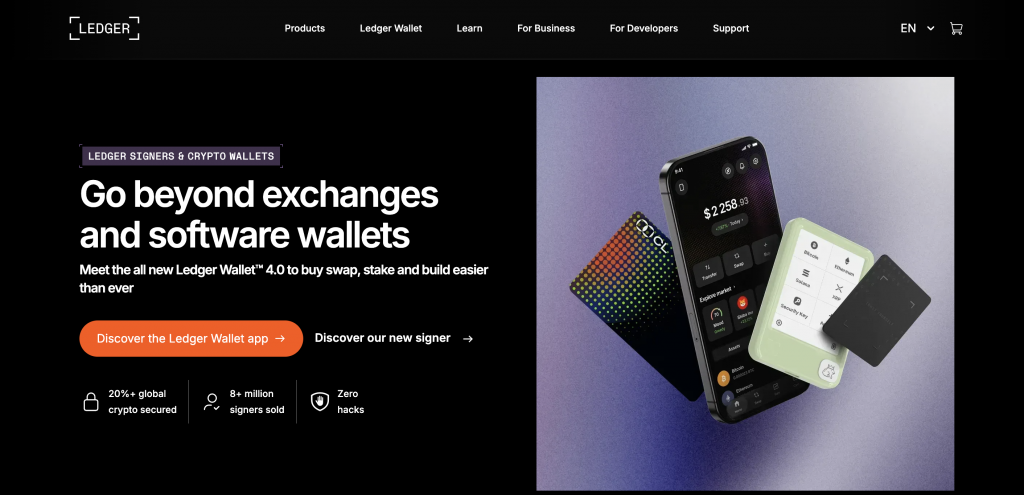
Ledger was founded in 2014 in Paris and ships its hardware wallets worldwide, including to the UK. Ledger Nano S Plus starts at approximately £59, Ledger Nano X at approximately £85, and Ledger Stax adds a touchscreen at a higher price point (prices to be confirmed [NEEDS FACT/SOURCE]). Ledger devices support 5,500+ cryptocurrencies through the Ledger Live app [NEEDS FACT/SOURCE], covering Bitcoin, Ethereum, Solana, and thousands of ERC-20 and other tokens. Private keys are generated and stored on the physical device and do not leave the hardware.
Key Features
Ledger’s Secure Element chip stores private keys in an isolated environment that connected applications cannot reach. When you sign a transaction, the approval happens on the device itself rather than on your computer or phone, so keys are not exposed to an internet-connected device during signing. Ledger Live lets users send, receive, and swap assets, and the device can connect to MetaMask and other DeFi protocols via browser extension, giving cold-storage users access to decentralised applications without permanently moving assets to a hot wallet. Unlike MetaMask or Trust Wallet, Ledger adds a hardware layer that stores keys offline.
Why Choose Ledger
Ledger suits UK users who hold Bitcoin or other assets long-term and do not need daily trading access. The Secure Element chip and offline key storage keep private keys off internet-connected devices, which reduces exposure to remote attacks that target software wallets. The device can connect to DeFi protocols and MetaMask when needed, so offline storage does not remove Web3 access. Holding crypto still carries investment risk, and the user is responsible for backing up and protecting the device recovery phrase.
MetaMask
MetaMask is a non-custodial hot wallet developed by ConsenSys, available as a browser extension and a mobile app. Users control their own private keys via a seed phrase, and MetaMask does not hold or access those keys. MetaMask covers Ethereum and every EVM-compatible blockchain, and Snaps allow users to extend coverage to non-EVM chains. It is widely used for accessing DeFi protocols, decentralised applications, and NFT marketplaces across the Web3 ecosystem.
Key Features
MetaMask’s browser extension connects directly to Ethereum-based protocols including Uniswap, Aave, and OpenSea without an intermediary account. Users add EVM-compatible networks — Polygon, BNB Chain, Arbitrum, and others — from the wallet, and ERC-20 tokens load automatically. Snaps extend coverage to non-EVM chains through third-party extensions, though these carry their own security considerations. Compared with Trust Wallet, MetaMask’s browser-extension ecosystem has a larger desktop DeFi footprint, while Trust Wallet is mobile-first. MetaMask does not natively support Bitcoin without a Snap extension.
Why Choose MetaMask
MetaMask suits UK users who use DeFi protocols, participate in NFT markets, or need broad EVM token access. The browser extension connects to Ethereum-compatible protocols, and adding new networks requires no account changes. MetaMask suits users who understand seed phrase management and accept full key responsibility in exchange for control over their assets. Losing the seed phrase means permanent, unrecoverable loss of access.
Trust Wallet
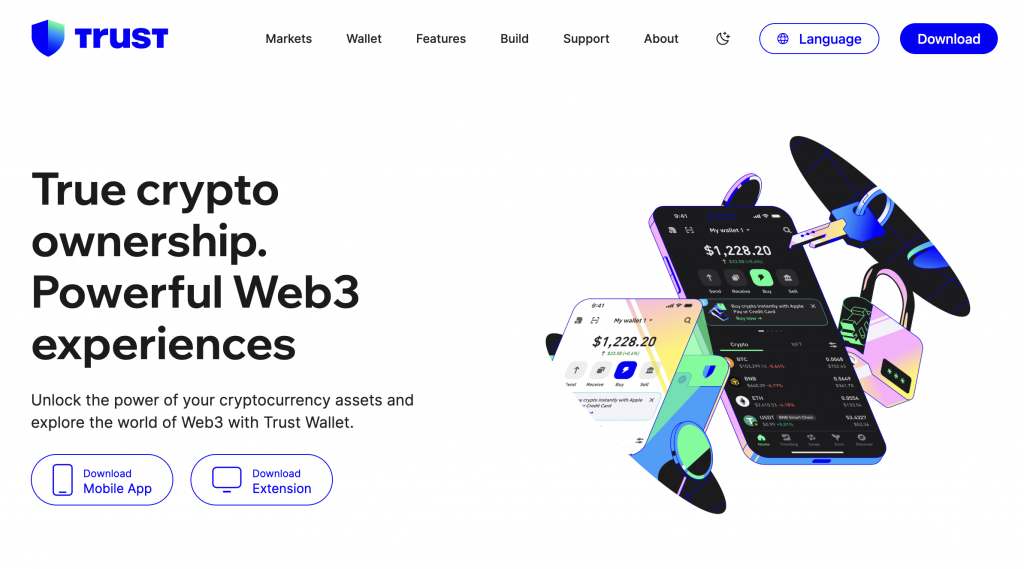
Trust Wallet is a non-custodial mobile wallet acquired by Binance in 2018 and operated as an independent product. Users hold their own private keys, and Trust Wallet does not access or store them. The wallet supports 100+ blockchains, including Bitcoin, Ethereum, Solana, BNB Chain, and Cosmos, and a large number of assets [NEEDS FACT/SOURCE — confirm the “10M+ assets” figure]. A built-in DEX swap lets users exchange tokens within the app, and staking is available for select assets. Trust Wallet is available to UK users.
Key Features
Trust Wallet’s multi-chain coverage spans 100+ networks from a single mobile interface. The built-in DEX aggregates swap rates across decentralised exchanges, letting users trade without moving assets to a centralised platform. A browser extension is available alongside the mobile app for desktop DeFi access. Staking for certain Proof-of-Stake assets is available in the app. Compared with MetaMask, Trust Wallet provides broader out-of-the-box blockchain coverage and is mobile-first, while MetaMask’s browser-extension ecosystem has a stronger desktop DeFi foothold. Users fund Trust Wallet by transferring crypto from another wallet or exchange; there is no direct GBP deposit route.
Why Choose Trust Wallet
Trust Wallet suits UK users who want access to a wide range of blockchains and tokens from a single mobile app. The built-in DEX removes the need to move assets to a centralised exchange for basic swaps, and the mobile interface covers dozens of networks. Trust Wallet suits users who already hold crypto and want to consolidate multi-chain assets under one non-custodial app — provided they understand that losing the recovery phrase means permanent loss of access to those assets.
Coinbase Wallet
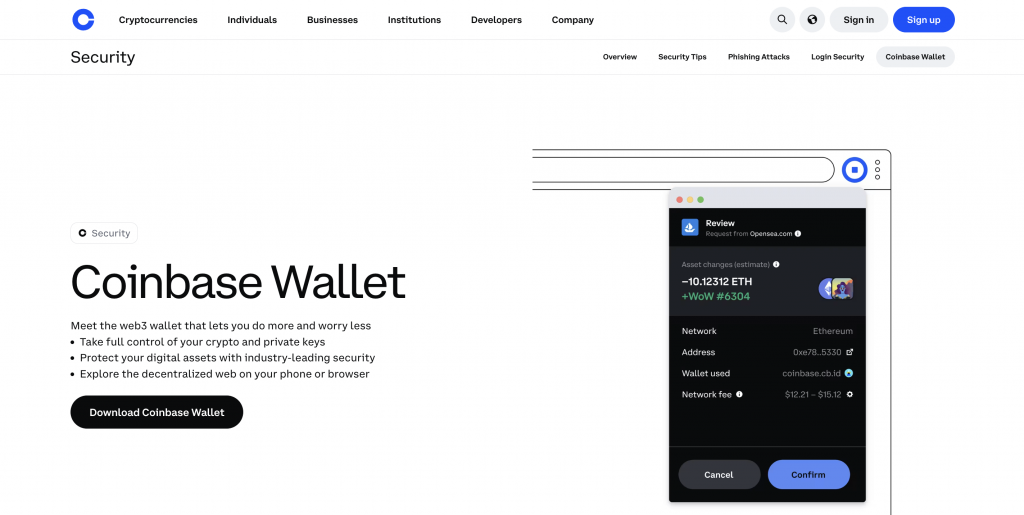
Coinbase Wallet is a non-custodial self-custody wallet developed by Coinbase, and a separate product from the Coinbase exchange account. Users control their own private keys via a seed phrase, not Coinbase. Coinbase is FCA registered in the UK; Coinbase Wallet is a self-custody app, and the exchange’s regulatory standing does not extend to the wallet’s key-management structure. Coinbase Wallet supports Ethereum, Solana, Bitcoin, and 100,000+ tokens across compatible networks [NEEDS FACT/SOURCE]. Biometric login (Face ID / fingerprint) controls local app access, and users can bridge between the Coinbase exchange and the wallet for asset transfers.
Key Features
Coinbase Wallet is a self-custody environment where Coinbase holds no keys, connected to the Coinbase brand in the UK. The app connects to DeFi protocols and dApps on Ethereum and other supported chains. An in-app on-ramp lets users purchase crypto via Coinbase services within the wallet, though this runs on USD rather than a native GBP gateway. Biometric authentication controls access at device level. The bridge between the Coinbase exchange and Coinbase Wallet lets existing Coinbase users move assets between custodial and self-custody environments. Compared with MetaMask, Coinbase Wallet covers fewer EVM chains and has a smaller DeFi footprint. Compared with Trust Wallet, it covers fewer blockchains. Important: Coinbase Wallet is not the same as a Coinbase exchange account — losing the wallet’s seed phrase means losing access, regardless of any Coinbase exchange balance.
Why Choose Coinbase Wallet
Coinbase Wallet suits UK users who hold a Coinbase exchange account and want to move into self-custody. The shared brand and in-app asset transfer connect those two environments. For users who already own crypto on Coinbase and want direct key control, Coinbase Wallet provides an entry point into self-custody. Users take on full responsibility for the seed phrase, and losing it means permanent loss of access.
FAQ
What is a crypto wallet?
A crypto wallet is a digital tool that stores private keys, letting you send, receive, and manage cryptocurrencies. It does not hold coins physically; it secures access to assets recorded on the blockchain. Custodial wallets have a third party hold the keys on your behalf. Non-custodial wallets, such as MetaMask or Trust Wallet, give you direct control of the private keys via a seed phrase. Hardware wallets, such as Ledger, store keys on a physical device offline.
How do I choose a crypto wallet in the UK?
There is no single wallet that fits everyone; the right choice depends on what you need. Ledger suits long-term holders who want offline key storage. MetaMask suits DeFi and Web3 users on Ethereum and EVM chains. Trust Wallet suits mobile users who want broad multi-chain coverage. Coinbase Wallet suits existing Coinbase users moving into self-custody. In every case, review the custody model, supported assets, funding options, and how backup and recovery work before moving funds.
What is the difference between a hot wallet and a cold wallet?
A hot wallet connects to the internet — software running on a phone, computer, or browser extension. MetaMask, Trust Wallet and Coinbase Wallet are hot wallets. A cold wallet stores private keys on a device that does not connect directly to the internet. Ledger is a cold wallet. Cold wallets keep keys off internet-connected devices; hot wallets offer more convenient access for regular transactions, but the online exposure introduces security risks that offline storage avoids.