Bitget Wallet presents itself as a multi-chain gateway to crypto, combining storage, swaps, earning tools, and Web3 access in one app. It runs as a non-custodial wallet, which means you manage your private keys and approve transactions directly.
That setup changes how everyday actions work. Sending tokens, interacting with dApps, or swapping assets all happen on-chain, with no fallback if something goes wrong.
This review explains how Bitget Wallet works in practice, what features it includes, how fees apply, and where it may create friction depending on how you use crypto.
Bitget Wallet at a Glance
Here’s a quick overview of the core details and how the wallet operates.
| Category | Details |
| Wallet Type | Non-custodial |
| Founded | 2018 |
| Supported Assets | 1M+ tokens, NFTs |
| Supported Networks | 130+ blockchains |
| Key Access | User-controlled (recovery phrase) |
| Fiat Withdrawals | Not supported directly |
| Platforms | iOS, Android, Chrome extension |
What Is Bitget Wallet?
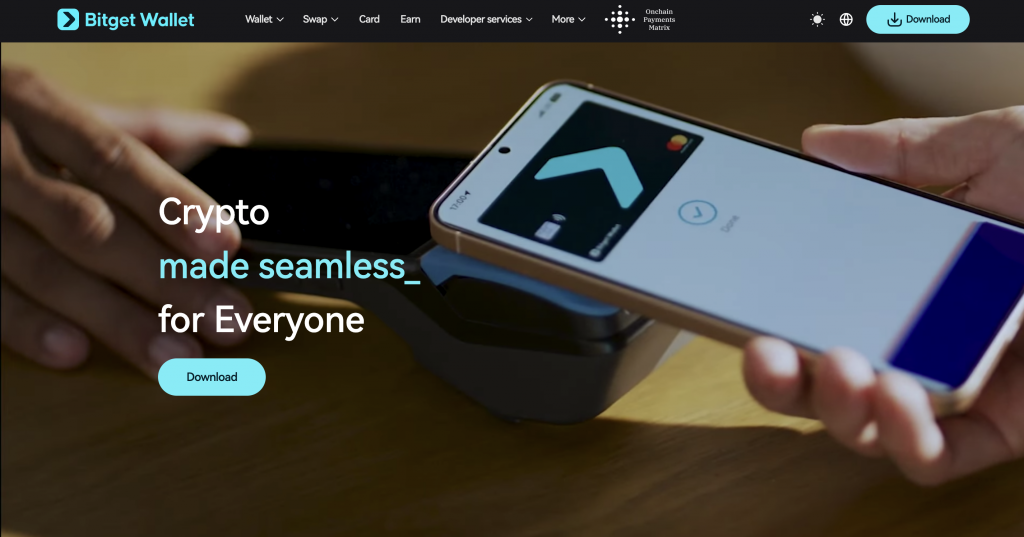
Bitget Wallet is a non-custodial crypto wallet that allows you to store, send, swap, and manage digital assets across multiple blockchain networks. Instead of holding funds on your behalf, it provides access to on-chain activity through private keys that you control.
Launched in 2018, originally under the BitKeep name, the wallet expanded into a broader Web3 platform with support for swaps, staking, market insights, and a built-in dApp browser. It connects to over 130 blockchains and supports a wide range of tokens, NFTs, and decentralized applications.
In practical terms, Bitget Wallet serves three main roles:
- A storage tool for crypto assets and NFTs
- A gateway to Web3, including DeFi platforms and dApps
- A payment and transfer tool for sending or spending crypto
Because it operates on a self-custody model, access depends entirely on your recovery phrase or private key. There is no account recovery process, and transactions cannot be reversed once confirmed on the blockchain.
How Bitget Wallet Works
Bitget Wallet connects directly to blockchain networks and lets you manage assets through private keys stored on your device. It does not hold funds or process transactions for you. Every action, sending tokens, swapping assets, or connecting to applications, runs through the network you select.
When we tested it, the flow stayed consistent. You enter transaction details, choose the correct blockchain, review the fee, and approve the request. The wallet then broadcasts the transaction for confirmation. During setup, it generates a recovery phrase that acts as your only backup. You need to store it securely, as there is no recovery process if it is lost or exposed. Each network operates independently, so selecting the wrong chain can result in failed transfers or missing assets.
Fees and processing times depend on network conditions, with some transactions completing quickly while others take longer during congestion. Every interaction requires manual approval, including connecting to external applications. Once confirmed, transactions cannot be reversed, and you remain responsible for checking all details before proceeding.
Key Features of Bitget Wallet
Bitget Wallet combines several core functions, storage, swaps, earning tools, and Web3 access within a single non-custodial app. In practice, how useful these features are depends on how comfortable you are managing networks, fees, and transaction approvals.
Below are three features that shape how the wallet works day to day.
Multi-Chain Access and Token Coverage
Bitget Wallet supports over 130 blockchains and a wide range of tokens and NFTs in a single interface.
This allows you to manage assets across different ecosystems without having to switch wallets. Tokens from supported networks appear in your dashboard, giving a unified view of balances.
That said, each blockchain still operates separately. You need to select the correct network when sending or receiving assets. Using the wrong chain can result in failed transfers or assets not appearing as expected.
Built-In Swaps and Trading Tools
The wallet includes a swap function that lets you exchange tokens directly within the app. Instead of placing orders on an exchange, swaps route through liquidity providers and execute on-chain.
Before confirming, you see an estimated output and network fee. The final result can change slightly depending on network conditions and liquidity at the time of execution.
Bitget Wallet also includes market insights and token discovery tools, which highlight trending assets and activity. These features add context, but transactions still require manual approval and network selection.
Web3 Access and Crypto Payments
Bitget Wallet includes a built-in browser for decentralized applications. You can connect to DeFi platforms, NFT marketplaces, and other services directly from the app.
Each interaction triggers a transaction request. For example, swapping tokens or approving a contract requires signing and paying a network fee.
The wallet also supports crypto payments and transfers. You can send assets globally, with fees depending on the selected blockchain or conversion applied during the transaction.
Bitget Wallet Fees Explained
Bitget Wallet does not apply a fixed platform fee for holding assets, but costs appear at the transaction level. Because it operates on-chain, most fees are paid to the blockchain network you use rather than the wallet itself.
When we tested it, fees varied depending on the action and the selected network. Sending tokens, swapping assets, or interacting with dApps all trigger network charges that you review before confirming.
Network Fees
Every transaction requires a network fee, often called gas. This fee goes to the blockchain validators, not the wallet.
Costs change based on network demand. For example, Ethereum transactions can become more expensive during congestion, while other chains may process at a lower cost.
Swap and Conversion Costs
Swaps inside the wallet include a price spread and routing cost. You see an estimated output before confirming, but the final amount can change slightly depending on liquidity and execution conditions.
Card and Payment Fees
Bitget Wallet also offers a crypto card with a defined fee structure. There are no monthly or top-up fees, but a $10 activation fee applies.
- Crypto-to-fiat conversion fee, around 0.5% per transaction
- No FX fee for USD spending
- Around 1.7% FX fee for non-USD transactions, based on Visa rates
What to Expect in Practice
Costs depend on three main factors:
- The blockchain network used
- The type of transaction
- Current network conditions
Before confirming any transaction, the wallet shows an estimated fee. You need to review this carefully, as fees and outcomes cannot be reversed once confirmed.
How to Use Bitget Wallet
Using Bitget Wallet follows a simple flow, but each step requires attention to networks and transaction details.
- Create a wallet – Download the app or extension and generate a new wallet. Save your recovery phrase and confirm it before proceeding.
- Add funds – Receive crypto by copying your wallet address and selecting the correct blockchain network. Sending assets on the wrong network can result in loss.
- Send or swap assets – Enter the recipient address or choose tokens to swap. Review the network, fees, and final amount before approving.
- Connect to Web3 apps – Use the built-in browser to access dApps. Approve connection requests and review permissions before interacting.
- Confirm transactions – Every action requires manual approval. Check details carefully, as transactions cannot be reversed once confirmed.
Supported Cryptocurrencies and Networks
Bitget Wallet supports a wide range of cryptocurrencies across more than 130 blockchain networks. This includes major assets such as Bitcoin, Ethereum, and stablecoins, as well as tokens from ecosystems like BNB Chain, Polygon, Arbitrum, and Avalanche.
You can store, send, and manage tokens from different networks within one interface, without switching wallets. NFTs are also supported on compatible chains.
Each network operates independently, so you need to select the correct chain when receiving or transferring assets. Compatibility depends on the token standard and network used, which affects how assets appear and function inside the wallet.
Pros and Cons of Bitget Wallet
Bitget Wallet offers a wide range of on-chain features, but your experience depends on how comfortable you are with managing networks, keys, and transaction approvals.
Pros
- Supports 130+ blockchains and a large range of tokens
- Non-custodial setup gives full control over private keys
- Built-in swaps and Web3 access in one interface
- Includes crypto payments and card integration
- Broad dApp and NFT compatibility
Cons
- No account recovery if the recovery phrase is lost
- Requires manual network selection for every transaction
- On-chain fees can vary and become expensive on some networks
Bitget Wallet vs Other Wallets
Bitget Wallet focuses on on-chain access, while other wallets change how transactions, recovery, and funding work. Comparing them side by side highlights where the experience becomes simpler or more involved.
Bitget Wallet vs CEX.IO
Bitget Wallet relies on self-custody. You manage private keys, approve every transaction, and handle network selection manually. This gives direct access to blockchain activity, but adds responsibility at each step.
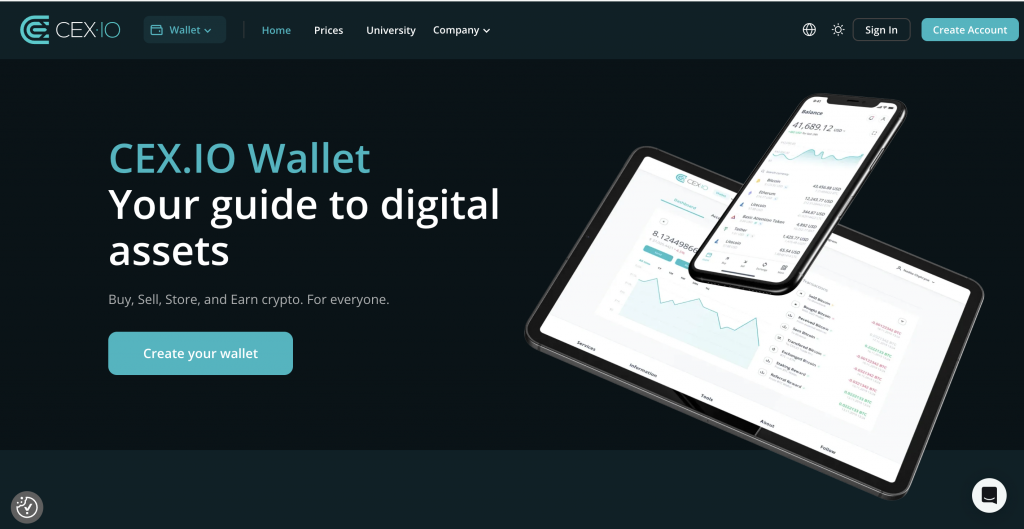
CEX.IO Wallet follows a custodial model. The platform manages access, eliminating the need to store recovery phrases or handle gas settings. Actions such as buying, selling, or converting crypto follow a guided process, with a final price displayed before confirmation. Fiat access is also built in, with support for cards, bank transfers, and payment services, which makes moving between crypto and cash more straightforward.
Bitget Wallet vs Coinbase Wallet
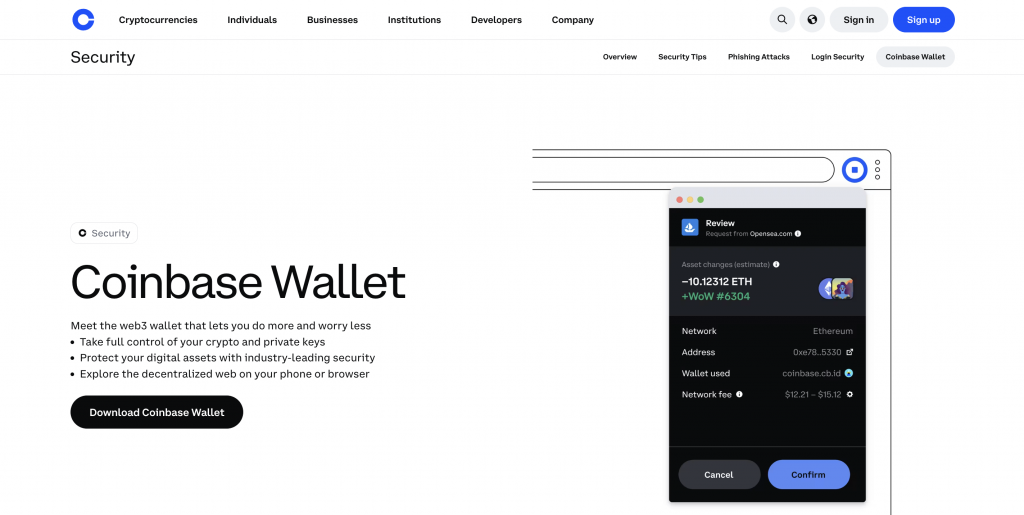
Both Bitget Wallet and Coinbase Wallet use self-custody, so you manage private keys and approve transactions directly. In practice, the experience depends on how each wallet presents those steps.
Bitget Wallet focuses on multi-chain access, supporting over 130 networks and a wide range of tokens. Coinbase Wallet supports fewer networks but integrates closely with the Coinbase platform, which can help when moving funds between self-custody and exchange accounts.
Both require manual approvals and network selection. Bitget Wallet includes built-in swaps and broader chain coverage, while Coinbase Wallet keeps a more familiar interface for users already using Coinbase services.
Wallet Comparison Overview
The differences become clearer when you place these wallets side by side.
| Feature | Bitget Wallet | CEX.IO Wallet | Coinbase Wallet |
| Wallet Type | Non-custodial | Custodial | Non-custodial |
| Key Control | User manages private keys | Platform manages access | User manages private keys |
| Ease of Use | Moderate, manual steps required | High, guided flows and clear prompts | Moderate, simpler UI but still manual |
| Transaction Flow | On-chain execution | Platform-based execution | On-chain execution |
| Fee Visibility | Network-based, varies | Final price shown upfront | Network-based, varies |
| Recovery Access | Recovery phrase only | Account recovery via verification | Recovery phrase only |
| Fiat Access | Limited | Built-in buy, sell, and withdrawal | Limited, depends on integrations |
| Payment Methods | Crypto-based | Cards, bank transfers, e-wallets | External ramps required |
| Network Handling | Manual selection required | Managed within platform | Manual selection required |
Which Wallet Is Better for Beginners?
Bitget Wallet works well if you want direct control over on-chain activity and understand how networks and fees operate.
For beginners, a custodial setup can reduce friction. CEX.IO removes the need to manage private keys, shows final prices before confirmation, and supports direct fiat transactions through cards and bank transfers. This makes the overall process easier to follow when starting out.
FAQs
How safe is Bitget Wallet?
Bitget Wallet uses self-custody, so security depends on how you store your recovery phrase. It also references a protection fund, but you remain responsible for approvals and key management.
Can I withdraw the balance from Bitget Wallet?
Yes. You can send assets to another wallet or exchange by entering the recipient address, selecting the correct network, and confirming the transaction.
Which is better, Binance or Bitget?
Binance operates as a centralized exchange with order books, fiat access, and trading tools. Bitget Wallet runs on-chain, where you manage keys and approve transactions manually. Binance reduces the number of setup and execution steps, while Bitget Wallet requires greater control over networks and fees.
How to put balance on Bitget Wallet?
You can add funds by transferring crypto from another wallet or exchange. Make sure to select the correct blockchain network before sending.
Is Bitget Wallet free?
There is no cost to create or hold assets in the wallet. However, network fees and conversion costs apply when making transactions.
Does Bitget have a withdrawal fee?
Bitget Wallet does not set a fixed withdrawal fee. You pay network fees, which vary depending on the blockchain and current demand.