
Kraken Wallet focuses on self-custody, giving you direct control over your assets while connecting to blockchain networks and DeFi tools from one place. It supports multiple chains, NFT management, and dApp interaction without relying on a central account. This setup gives more control over transactions, but it also means you handle keys, approvals, and network fees yourself.
Kraken Wallet at a Glance
Here’s a quick overview of how Kraken Wallet is structured and what it supports.
| Category | Details |
| Wallet Type | Non-custodial (self-custody) |
| Founded | Part of Kraken ecosystem (exchange launched 2011) |
| Supported Assets | 2,000+ cryptocurrencies and NFTs |
| Supported Networks | Bitcoin, Ethereum, Polygon, Solana, Arbitrum, Base, Optimism, Blast, and more |
| Key Access | User-controlled private keys |
| Fiat Withdrawals | Not supported directly |
| Platforms | Mobile app |
What Is Kraken Wallet?
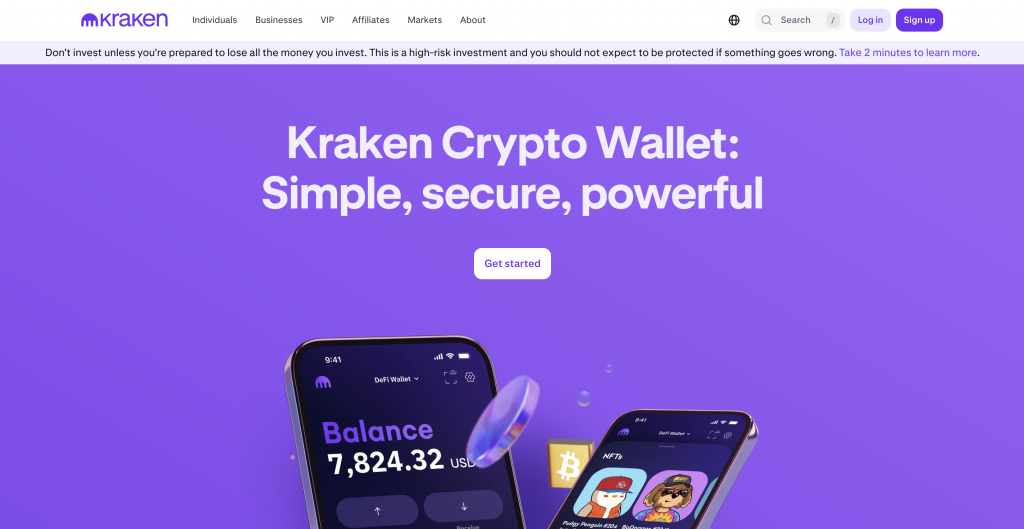
Kraken Wallet is a non-custodial Web3 wallet that lets you store and manage crypto without relying on a central account. It connects directly to blockchain networks, giving you control over private keys and access to DeFi applications. You can hold tokens, manage NFTs, and interact with dApps from one interface.
The wallet operates separately from Kraken’s exchange, focusing on on-chain activity rather than account-based trading. This setup suits users who want direct blockchain access, but it also means you handle security, approvals, and transaction details yourself.
How Kraken Wallet Works
Kraken Wallet connects you directly to supported blockchain networks, so every action happens on-chain. When you send or swap assets, you confirm the transaction and pay network fees using the native token, such as ETH or SOL.
The wallet generates a recovery phrase during setup, which you must store securely, as it controls access. You can connect to dApps, approve smart contracts, and manage assets across multiple chains.
The interface groups everything in one place, but each transaction still requires manual confirmation, including reviewing fees and network details, before completing.
Key Features of Kraken Wallet
Kraken Wallet focuses on direct blockchain access while keeping everything in one place. You manage assets, interact with dApps, and track activity without switching tools.
Multi-chain asset and NFT support
The wallet supports 2,000+ assets across networks such as Ethereum, Polygon, Solana, Arbitrum, and Base. You can store tokens and manage NFT collections across these chains from a single interface, which reduces the need for multiple wallets when using different ecosystems.
Built-in DeFi and dApp access
Kraken Wallet connects directly to decentralized applications, allowing you to interact with protocols, approve transactions, and manage positions without external connectors. This keeps swaps, approvals, and DeFi activity within the wallet, so you do not need browser extensions or third-party tools.
Self-custody with privacy focus
You control access with your private keys and recovery phrase, without relying on a platform account. The wallet also limits data tracking, meaning your activity is not tied to personal account data. This setup gives you full control, but also places responsibility for security and recovery on you.
Kraken Wallet Fees Explained
Kraken Wallet does not charge account or custody fees. Costs include blockchain network fees and any services used through connected dApps. When you send assets, you pay gas fees based on the network, which can vary depending on congestion.
If you use Kraken’s broader platform, fees differ. Instant buy-and-sell transactions typically include a 1% trading fee (1.5% for custom orders), plus a spread built into the price. Small balance conversions can carry a 3% fee. In practice, wallet-only activity depends on network costs, while exchange-related actions include additional fees.
Security and Safety
Kraken Wallet uses a self-custody model, which means you control your private keys and recovery phrase. Keys are stored locally on your device, and every transaction requires manual approval. The wallet does not hold funds or access your assets.
Security depends on how you manage your recovery phrase and device. If you lose or expose it, access cannot be restored. The wallet also prompts contract approvals for dApps, so you need to review permissions carefully. There is no central protection layer, so safe usage relies on verifying transactions and avoiding unknown or malicious applications.
How to Use Kraken Wallet
Getting started is straightforward, but each action still requires manual confirmation.
- Download the wallet: Install Kraken Wallet on your device and open the app.
- Create or import a wallet: Set up a new wallet or restore an existing one using your recovery phrase.
- Save your recovery phrase: Write it down and store it securely offline. This is the only way to restore access.
- Add crypto to the wallet: Copy your wallet address, choose the correct network, and transfer funds from another wallet or exchange.
- Manage and use assets: Send tokens, store NFTs, or connect to dApps directly from the wallet interface.
- Review and confirm transactions: Check the network, fees, and transaction details before approving, as on-chain transactions cannot be reversed.
Supported Cryptocurrencies and Networks
Kraken Wallet supports over 2,000 cryptocurrencies and NFTs across several major blockchain networks. These include Ethereum, Solana, Polygon, Arbitrum, Optimism, and Base. You can store, send, and receive tokens within each supported network, as well as manage NFT collections tied to those chains.
Each network operates independently, so you need to select the correct one when transferring assets. The wallet groups balance into a single view, but compatibility still depends on using the right blockchain. Support focuses on widely used ecosystems, with ongoing expansion to additional networks and tokens over time.
Pros and Cons of Kraken Wallet
Kraken Wallet focuses on direct blockchain access and self-custody. That gives you control, but also adds responsibility when managing assets and transactions.
Pros
- Full control of private keys and funds
- Supports 2,000+ assets across multiple networks
- Built-in access to dApps and DeFi tools
- NFT storage and management in one interface
- No account or custody fees
Cons
- No account recovery if the recovery phrase is lost
- Requires manual network and fee management
- No direct fiat withdrawal from the wallet
Kraken Wallet vs Other Wallets
Lead in
Kraken Wallet vs CEX.IO
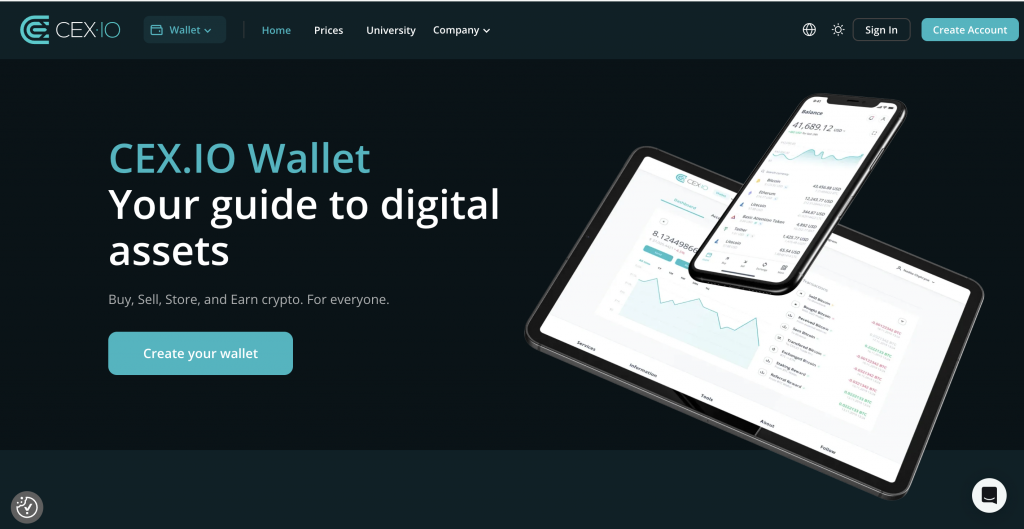
Kraken Wallet requires manual transaction approval, network selection, and fee management. Every action happens on-chain, so you need to handle gas fees and confirmations directly.
CEX.IO simplifies this flow. You see the final price before confirming, with fees included upfront. Funding supports cards, ACH, and bank transfers, with deposits starting from $20 and reaching up to $50,000 for Instant Buy. Spot trading fees start at 0.25% and decrease with volume. Recovery also differs, as account access can be restored through verification rather than a recovery phrase.
Kraken Wallet vs KuCoin Wallet
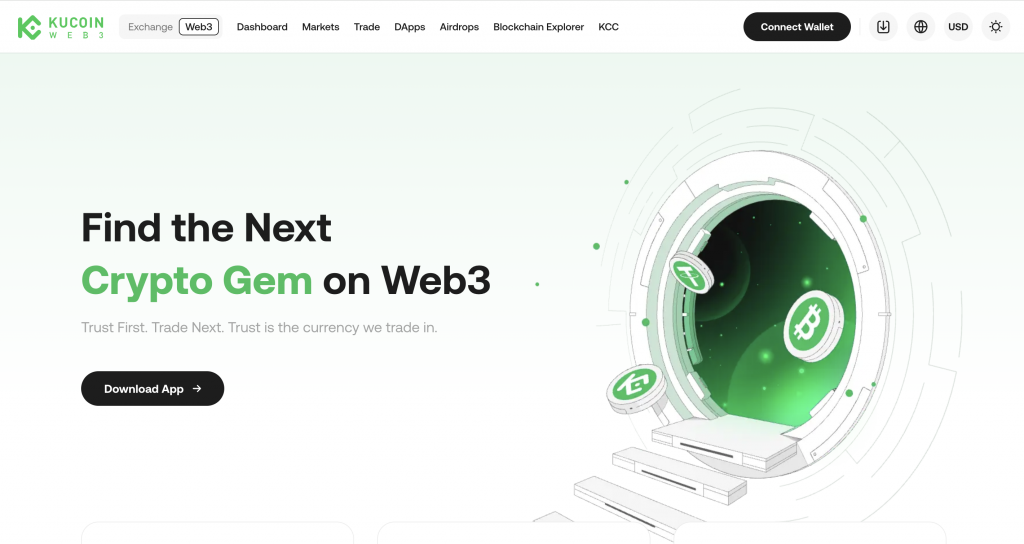
Both wallets operate as non-custodial tools, so you manage private keys and approve transactions manually. Kraken Wallet focuses on a smaller set of supported networks with a cleaner interface, while KuCoin Wallet connects to a wider range of chains and tokens.
KuCoin includes more built-in discovery tools and broader token coverage, which can help when exploring newer assets. Kraken Wallet keeps the experience more focused, which can make navigation clearer. In both cases, you need to manage networks, fees, and approvals yourself, and neither includes direct fiat withdrawals.
Wallet Comparison Overview
The differences become clearer when you compare how each wallet handles access, transactions, and recovery.
| Feature | Kraken Wallet | CEX.IO Wallet | KuCoin Wallet |
| Wallet Type | Non-custodial | Custodial | Non-custodial |
| Key Control | User-managed private keys | Platform manages access | User-managed private keys |
| Ease of Use | Moderate, requires manual steps | High, guided flows and clear prompts | Moderate, feature-heavy interface |
| Transaction Flow | On-chain execution | Platform-based execution | On-chain execution |
| Fee Visibility | Network-based, varies | Final price shown upfront | Network-based, varies |
| Recovery Access | Recovery phrase only | Account recovery via verification | Recovery phrase only |
| Fiat Access | Not supported | Built-in buy, sell, and withdrawal | Not supported |
Which Wallet Is Better for Beginners?
KuCoin Wallet gives access to a wide range of tokens and networks, along with built-in discovery tools. That can help when exploring new assets, but it also means handling network selection, gas fees, and transaction approvals on your own.
CEX.IO may suit beginners more in practice. You see the final price before confirming, with fees included, and you can fund an account using cards, ACH, or bank transfers from $20. Spot trading fees start at 0.25% and decrease with volume. Account recovery is also available through verification, which removes the need to manage a recovery phrase.
FAQs
Does Kraken have a wallet?
Yes. Kraken offers a non-custodial wallet called Kraken Wallet. It operates separately from the main exchange and allows you to store crypto, manage private keys, and interact directly with blockchain networks and dApps.
Is Kraken a safe wallet?
Kraken Wallet can be safe if used correctly. It stores private keys on your device and requires manual transaction approval. However, security depends on how you manage your recovery phrase and verify transactions.
Is Kraken a real wallet?
Yes. Kraken Wallet is a real crypto wallet that connects directly to blockchain networks. It enables you to send, receive, and store assets without relying on a central account or platform custody.
What’s the difference between Kraken and Kraken Wallet?
Kraken is a crypto exchange that manages accounts and executes trades. Kraken Wallet is a self-custody tool where you control private keys and interact directly with blockchain networks instead of using an account-based system.
Can I lose my crypto on Kraken?
With Kraken Wallet, loss can happen if you lose your recovery phrase or approve a malicious transaction. On the exchange, account safeguards exist, but losses can still occur due to user error or unauthorized access.
How to get the balance out of the Kraken wallet?
To withdraw funds, send crypto from your wallet to another wallet or exchange address. You need to select the correct network, enter the address, review fees, and confirm the transaction on-chain.
How much are Kraken fees?
Kraken Wallet itself does not charge custody fees. You pay network fees for transactions. On the exchange, instant buy fees typically include a 1% fee, plus a spread and other applicable charges.
Is Kraken good for beginners?
Kraken’s exchange may suit beginners due to guided flows and fiat support. Kraken Wallet requires managing private keys, networks, and fees, which can add complexity for first-time users.
Which is safer, Binance or Kraken?
Both platforms apply security measures, but safety depends on usage. Kraken Wallet relies on self-custody, while exchanges like Binance use account-based protection. The safer choice depends on whether you prefer full control or platform-managed security.