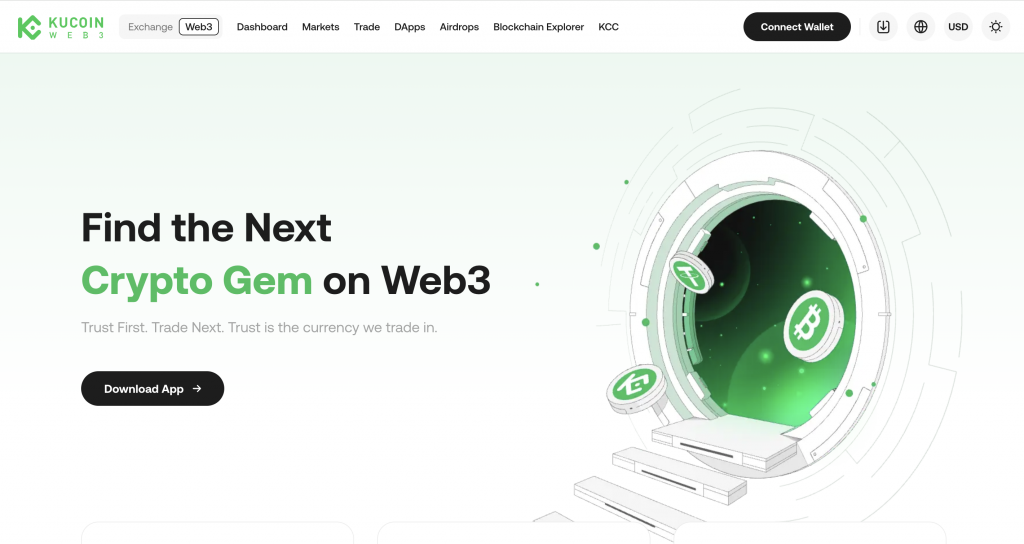
KuCoin Wallet sits on the Web3 side of the KuCoin ecosystem. It gives you direct access to blockchain networks, meaning you hold your own keys and interact with assets without relying on a central platform.
You can swap tokens, connect to dApps, and manage multiple chains from one interface. This setup suits users who want control over transactions and access to DeFi tools, but it also means you handle network selection, fees, and wallet security yourself.
KuCoin Wallet at a Glance
KuCoin Wallet focuses on on-chain access, giving you direct control over your assets while connecting to DeFi apps, swaps, and bridges from a single interface.
| Category | Details |
| Wallet Type | Non-custodial Web3 wallet |
| Founded | Part of KuCoin ecosystem (exchange launched in 2017) |
| Supported Assets | 1,000+ tokens across ecosystems |
| Supported Networks | Multi-chain support, including Ethereum, BNB Chain, and others |
| Key Access | User-controlled private keys |
| Fiat Withdrawals | Not supported directly |
| Platforms | Mobile app, browser-based Web3 interface |
What Is KuCoin Wallet?
KuCoin Wallet is a non-custodial Web3 wallet designed for managing crypto across multiple blockchain networks. It connects directly to decentralized applications, letting you swap tokens, bridge assets, and interact with DeFi services without using a centralized exchange.
You control the private keys, which means access to funds depends on your recovery phrase rather than an account login.
The wallet supports a wide range of tokens and integrates with the broader KuCoin ecosystem, but it operates separately from the exchange. This setup focuses on direct blockchain interaction, not account-based asset management or fiat handling.
How KuCoin Wallet Works
KuCoin Wallet connects you directly to blockchain networks instead of routing actions through a central platform. When you send or swap assets, the transaction executes on-chain and requires network fees paid in the native token, such as ETH or BNB.
The wallet generates a private key and recovery phrase during setup, which you must store securely, as there is no account recovery process. You can connect to dApps, approve smart contract access, and move assets between chains using built-in tools. Every action requires confirmation and manual review, including gas fees and network selection, before finalizing.
Key Features of KuCoin Wallet
KuCoin Wallet focuses on direct blockchain access while keeping navigation clear. You interact with assets, networks, and dApps from one interface, without switching between multiple tools.
Multi-chain asset management
The wallet supports a wide range of blockchain networks, including Ethereum, BNB Chain, and others. You can store and manage tokens across chains in one place, rather than using separate wallets for each ecosystem. This potentially simplifies tracking balances and moving assets, especially if you regularly use multiple networks.
Built-in dApp access
KuCoin Wallet connects directly to decentralized applications through its internal browser. You can access protocols like lending platforms, DEXs, and staking services without leaving the wallet. This removes the need for external connectors or browser extensions and keeps approvals and interactions in one place.
Token swaps and bridging
The wallet includes tools for swapping tokens and moving assets between networks. You can exchange tokens within the same chain or bridge them across different blockchains. Each action shows estimated fees and routes before confirmation, so you can review costs before proceeding.
Private key ownership
You control access to your funds through a private key and recovery phrase. This removes reliance on a platform account, but it also means you are responsible for securing access. If the recovery phrase is lost, access cannot be restored.
Portfolio tracking
The interface displays balances, transaction history, and asset distribution in a single view. This helps you monitor activity across different chains without using external trackers. It keeps core wallet activity visible without adding unnecessary data layers.
KuCoin Wallet Fees Explained
KuCoin Wallet itself does not apply fixed platform fees, but the costs come from underlying services and network activity. On the trading side of the KuCoin ecosystem, spot fees start at 0.1% for both maker and taker orders, with reductions available through VIP tiers or by using KCS tokens. Some asset classes carry higher base rates, up to 0.16% or 0.24%, depending on liquidity grouping.
Deposits are typically free, while withdrawals vary by blockchain and reflect network costs rather than fixed platform charges. When using wallet features like swaps or bridges, additional fees apply depending on the routing provider and liquidity source.
In practice, costs depend on the action. A simple transfer only requires network gas, while swaps or cross-chain moves combine network fees with service charges. The wallet shows estimated costs before confirmation, so you can review the total before proceeding.
How to Use KuCoin Wallet
Getting started takes a few steps, but each action requires manual confirmation.
- Download the wallet or open the Web3 interface
- Create a wallet or import using a recovery phrase
- Save the recovery phrase securely; no recovery if lost
- Add funds by transferring crypto into your wallet
- Choose the correct network before any transaction
- Use swap or bridge tools to move or exchange assets
- Connect to dApps to interact with DeFi services
- Check fees and confirm each transaction before sending
Supported Cryptocurrencies and Networks
KuCoin Wallet supports a wide range of digital assets across multiple blockchain networks. You can manage major tokens like BTC, ETH, and USDT, alongside thousands of smaller tokens used across DeFi ecosystems.
The wallet connects to networks such as Ethereum, BNB Chain, Arbitrum, Polygon, and other EVM-compatible chains, allowing you to hold and transfer assets across them. It also supports cross-chain activity through built-in bridging tools.
Because support depends on network compatibility, you need to select the correct chain for each asset, as sending funds on the wrong network can result in permanent loss.
Pros and Cons of KuCoin Wallet
KuCoin Wallet focuses on on-chain access and control, but that setup comes with trade-offs.
Pros
- Direct access to DeFi apps through built-in dApp browser
- Multi-chain support in a single interface
- Private key ownership, no reliance on platform accounts
- Built-in swap and bridge tools for asset movement
- Wide token support across major ecosystems
Cons
- No fiat withdrawals or direct cash-out
- You manage keys and recovery, no account recovery support
- Network fees and transaction steps require manual handling
KuCoin Wallet vs Other Wallets
Each wallet handles access, control, and transactions differently. The differences show up once you start sending, swapping, or moving funds.
KuCoin Wallet vs CEX.IO
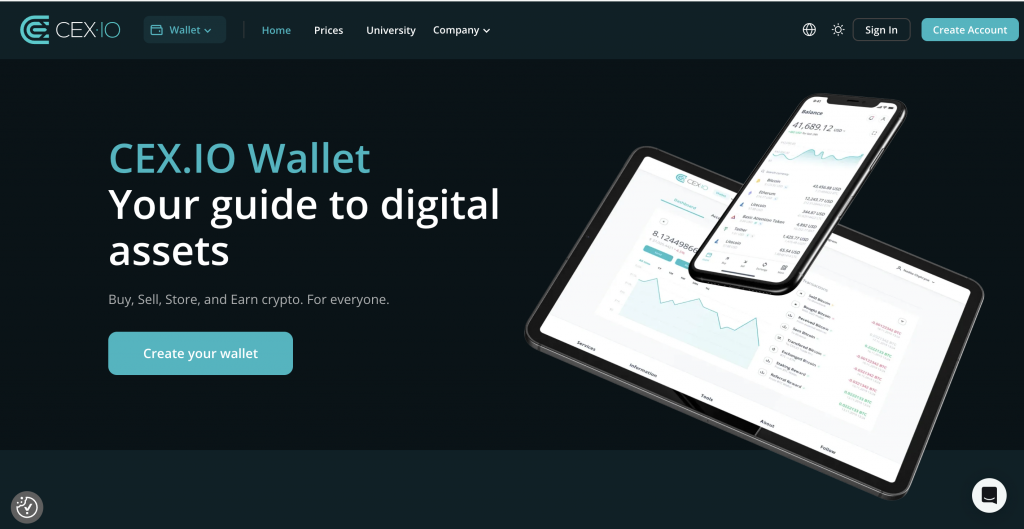
KuCoin Wallet runs fully on-chain, so every action requires selecting a network, holding gas tokens, and confirming fees manually. CEX.IO removes that step. You choose the asset, see the final price, and confirm without managing networks.
Funding also differs. CEX.IO supports card deposits from $20, ACH transfers with a $5 fee, and bank rails like SEPA and Faster Payments with fixed charges of €2.99 or £2.99. Spot trading fees start at 0.25% and decrease with volume. KuCoin Wallet does not support fiat access, so you need an external platform to move between crypto and cash.
KuCoin Wallet vs Bitget Wallet
Both wallets focus on Web3 access and non-custodial control. KuCoin Wallet connects directly to multiple networks and dApps, with built-in swap and bridge tools. Bitget Wallet follows a similar model but places more emphasis on integrated discovery, including token listings, airdrop tracking, and broader Web3 navigation tools.
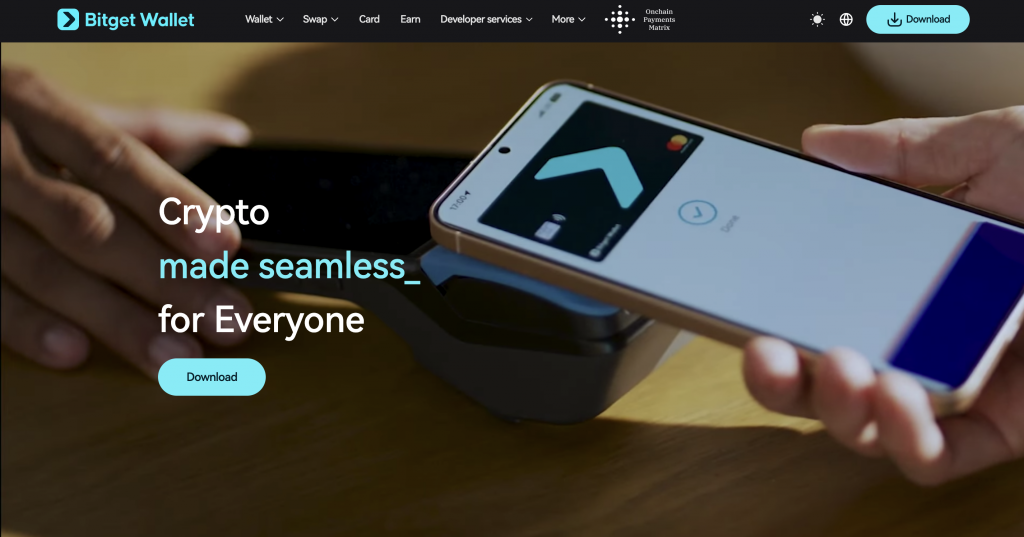
In practice, both require manual handling of networks, gas fees, and approvals. KuCoin Wallet keeps the interface more direct, while Bitget Wallet adds more discovery layers. The experience depends on whether you want a simpler layout or more built-in exploration tools.
Wallet Comparison Overview
The table below highlights how these wallets differ in day-to-day use.
| Feature | KuCoin Wallet | CEX.IO Wallet | Bitget Wallet |
| Wallet Type | Non-custodial | Custodial | Non-custodial |
| Key Control | User-controlled | Platform manages access | User-controlled |
| Ease of Use | Moderate, manual steps | High, guided flows and clear prompts | Moderate |
| Transaction Flow | On-chain execution | Platform-based execution | On-chain execution |
| Fee Visibility | Estimated before confirmation | Final price shown upfront | Estimated before confirmation |
| Recovery Access | Recovery phrase only | Account recovery via verification | Recovery phrase only |
| Fiat Access | Not supported | Built-in buy, sell, and withdrawal | Limited/indirect |
Which Wallet Is Better for Beginners?
For beginners, the main difference comes down to how much you need to manage yourself. KuCoin Wallet and Bitget Wallet require handling networks, gas fees, and recovery phrases from the start.
CEX.IO keeps that process more contained, with fiat funding, fixed-fee transparency, and account recovery through verification. If you want direct blockchain access, non-custodial wallets fit. If you want fewer steps when getting started, CEX.IO tends to feel more straightforward.
FAQs
How do I find my KuCoin wallet?
You can access your KuCoin Wallet through the KuCoin app or Web3 interface. Once created or imported, your wallet address appears in the “Receive” section. This address is the one you use to send funds to the wallet. Always double-check the network before sharing or using it.
Is KuCoin wallet safe?
KuCoin Wallet gives you control over your private keys, which removes reliance on a central account. Security depends on how you store your recovery phrase and approve transactions. If the phrase is exposed or lost, access cannot be restored. You also need to review smart contract approvals carefully when using dApps.
How to withdraw from the KuCoin wallet?
To withdraw, send crypto from your wallet to another wallet or exchange address. Select the correct network, enter the destination address, and confirm the transaction. You must hold enough of the network’s native token to cover fees. There is no direct fiat withdrawal from the wallet itself.
Which countries is KuCoin banned in?
KuCoin operates globally, but access is subject to local regulations. Some regions restrict or limit access to certain features, including derivatives or fiat services. Availability can change over time, so you need to check current local rules before using the platform or related services.
Is KuCoin safer than Binance?
Both platforms apply security measures, but they operate differently. KuCoin Wallet is non-custodial, so you manage your own keys. Binance primarily uses a custodial model, where the platform manages access. Safety depends on your setup, how you store credentials, and how you handle transactions.
Is KuCoin no longer available in the U.S.?
KuCoin’s availability in the United States is limited. Some services are restricted due to regulatory requirements, and full platform access may not be available. Users in the U.S. should review current restrictions before using any KuCoin-related services.
How to fund the KuCoin wallet?
You fund the wallet by transferring crypto from another wallet or exchange. Copy your wallet address, choose the correct network, and send the assets. The wallet does not support direct fiat deposits, so funding typically starts from an external platform.
How to verify the KuCoin wallet?
KuCoin Wallet does not require identity verification because it is non-custodial. You create or import a wallet using a recovery phrase, and access is tied to that phrase. There is no account verification process, unlike centralized platforms.